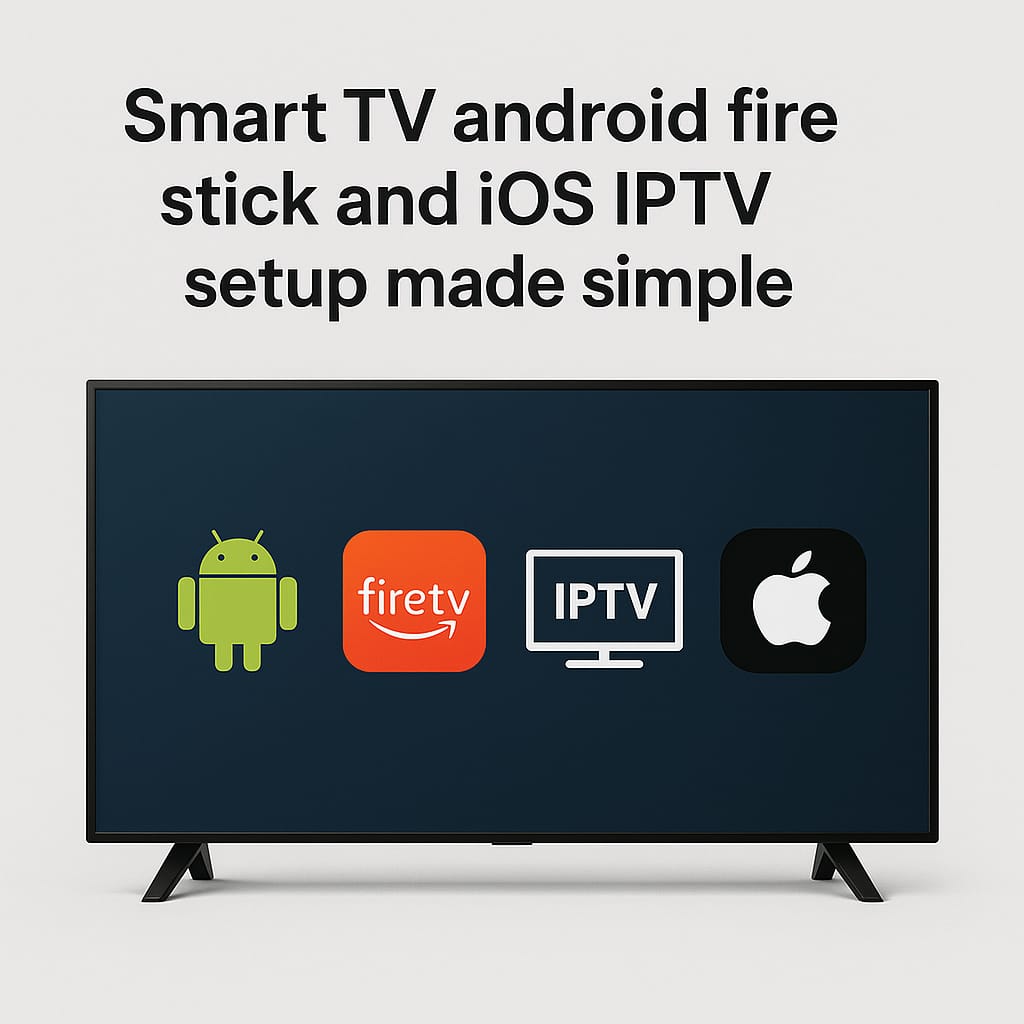
IPTV, or Internet Protocol Television, is a modern way to stream television content over the internet instead of traditional cable or satellite connections. With IPTV, you can access live TV channels, movies, sports, and on-demand content directly on your Smart TV, smartphone, tablet, or streaming devices like Firestick.
Unlike conventional TV, IPTV delivers content through your internet connection, allowing for high-quality streaming, flexibility, and a wide variety of channels from around the world. Many legal IPTV services also provide interactive features, such as pausing live TV, recording shows, or accessing an electronic program guide (EPG) to see upcoming programs.
Whether you want to watch the latest sports matches, popular TV series, or international channels, IPTV provides a convenient and versatile alternative to traditional broadcasting, making it increasingly popular among cord-cutters and digital-savvy viewers.
1. What You Need Before Setting Up IPTV
- A stable internet connection (preferably broadband or Wi-Fi).
- A subscription to a legal IPTV service. Avoid illegal IPTV sources—they can be unsafe and are often taken down.
- Your IPTV provider’s M3U playlist URL or login credentials (username/password).
- A compatible app for your device (varies by platform).
2. Setting Up IPTV on Smart TVs
Most Smart TVs (Samsung, LG, Android TV) require IPTV apps.
Step-by-Step
- Install an IPTV App:
- Android TV: Use Google Play Store to install apps like Smart IPTV, TiviMate, or XCIPTV.
- Samsung/LG: Use the TV’s app store (Samsung: Smart Hub; LG: Content Store). Some TVs require web-based playlists via Smart IPTV apps.
- Open the IPTV App.
- Enter Your IPTV Subscription Details:
- Usually, you can input M3U URL or login credentials.
- Load Channels:
- After inputting credentials, the app should load your channel list automatically.
- Start Watching.
Tip: Some TVs need a MAC address registration with the IPTV provider before the playlist works.
3. Setting Up IPTV on Android Devices
Android phones and tablets can use IPTV apps.
Step-by-Step
- Download an IPTV app from Google Play Store:
- Popular apps: TiviMate, GSE Smart IPTV, IPTV Smarters.
- Open the app and choose “Add Playlist”.
- Input your M3U URL or username/password.
- Name the playlist if required and tap OK / Add.
- Your channels should load—just select one to watch.
Extra Tip: Some apps allow you to EPG (Electronic Program Guide) integration for schedules.
4. Setting Up IPTV on Firestick
Firestick doesn’t have IPTV apps pre-installed, but you can sideload or install from the Amazon App Store.
Step-by-Step
- Install an IPTV App:
- Recommended apps: TiviMate, IPTV Smarters, XCIPTV.
- Download from Amazon App Store or sideload APK using Downloader app.
- Open the app and choose Add Playlist.
- Enter your M3U URL or login credentials.
- Load channels and enjoy.
Tip: For the best Firestick experience, use a remote-friendly IPTV app like TiviMate.
5. Setting Up IPTV on iOS Devices (iPhone/iPad)
iOS has several IPTV apps available on the App Store.
Step-by-Step
- Download an IPTV app from the App Store:
- Popular options: GSE Smart IPTV, IPTV Smarters Pro, Net IPTV.
- Open the app and add a new playlist.
- Enter your M3U URL or username/password.
- Name the playlist if required and tap Save/Add.
- Your channels should now appear for streaming.
6. Additional Tips for All Devices
- Check internet speed: Minimum 10 Mbps for HD streaming.
- Use a VPN if accessing IPTV outside your country (legal compliance depends on provider).
- Keep apps updated for stability.
- Avoid free/illegal IPTV—they’re often unreliable and unsafe
Start streaming premium channels instantly with our reliable IPTV subscription. here
our subscription
At buyviptv.com , we are dedicated to providing the best IPTV subscription service for viewers who demand high-quality, reliable streaming. Our service offers a vast library of channels, VOD content, movies, and series from around the world, all accessible on any device, whether it’s a Smart TV, Android device, Firestick, iOS device, or PC. We take pride in delivering seamless streaming without buffering, ensuring that you can enjoy your favorite shows and live events anytime, anywhere. With a user-friendly interface, easy setup guides, and dedicated customer support, we make it simple for anyone to get started with IPTV, even if you’re a beginner.
Our service isn’t just about quantity—it’s about quality. Every channel, movie, and series is carefully curated to provide the best entertainment experience. Subscribers also benefit from regular updates, top-tier video-on-demand (VOD) content, and premium features that other IPTV providers often lack. By choosing our IPTV subscription, you are joining a community of satisfied viewers who trust us for consistent performance, excellent service, and endless entertainment options. Whether you want to watch live sports, popular series, blockbuster movies, or international channels, we’ve got it all, making us the ultimate choice for anyone looking to elevate their streaming experience.
With our IPTV subscription, you don’t just get access to channels—you get an all-in-one entertainment solution. We offer thousands of live channels, movies, series, and on-demand content from around the world, all carefully curated for quality and reliability. Our service includes the latest blockbuster movies, trending TV series, sports, news, and international programming, ensuring there’s always something for everyone in the family. Plus, with features like easy multi-device access, VOD libraries, catch-up TV, and personalized playlists, you can enjoy your favorite content exactly how and when you want. We pride ourselves on delivering fast, buffer-free streaming and constant updates, so you always have the best entertainment experience.
Choosing our IPTV means joining a community of satisfied subscribers who trust us for reliable service, unbeatable content, and exceptional support. Make the switch today and discover why our IPTV service is the top choice for viewers who demand the best.Smart TV, Android, Firestick & iOS IPTV Setup Made Simple 2026
Start streaming premium channels instantly with our reliable IPTV subscription. here